
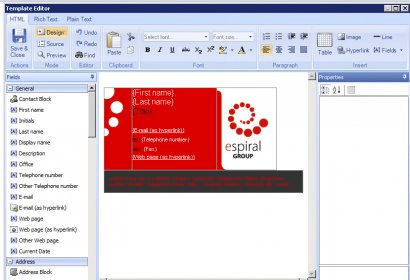
The easy way to design and deploy Outlook Signatures across your organization without ever leaving your desk. Outlook Signatures are great for getting names, job titles, contact details and even cool branding elements into every corporate email that you send. They’re an easy way to let your customers know who you are and how to get hold of you - and just think how happy marketing will be with all those extra brand impressions. Trouble is… Microsoft never gave you a way to centrally manage Outlook signatures. So what do you do? You visit each user and update their Outlook signature by hand? Maybe you’re smarter than that and you get your users to try updating their own? Whatever you do, some people will ignore you and some people, like Joe from Accounting, will always mess up. Result? You and your company look bad. The answer is Outlook Signature Manager from Exclaimer. Create personalized and professional Outlook signatures to make external emails look as good as your traditional communications. Use the powerful editor to create your own dynamic Outlook signature templates or feel free to be inspired by our extensive library.





Comments